Tools & workflow
Higgsfield Genjutsu Burning Bridges: choose a workflow
A Higgsfield Genjutsu Burning Bridges search often mixes tutorials, branded tools and independent template sites. Choose by the inputs and controls you need, then check the official product you will actually use.
In this guide
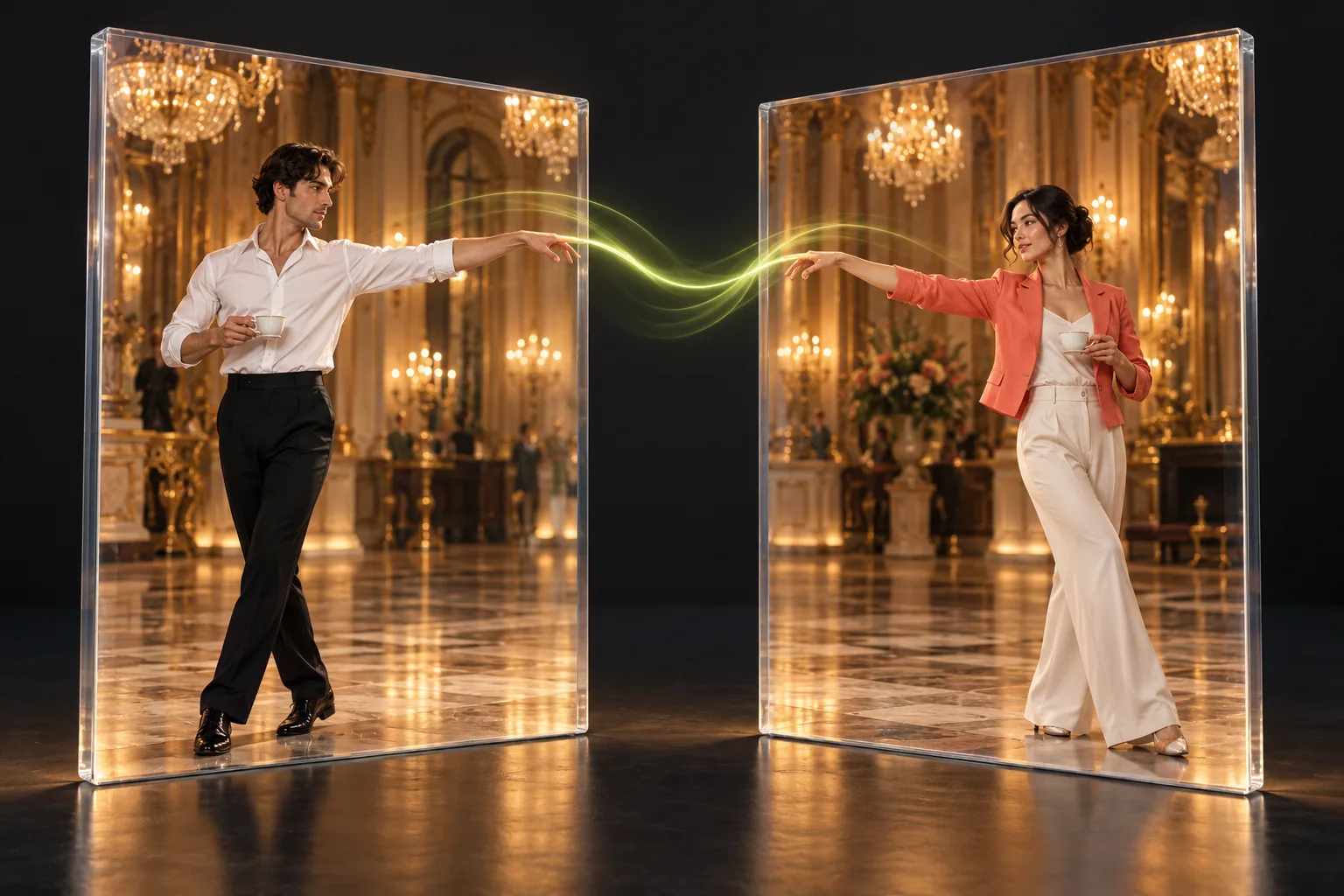
- Bring your own clip
- Evaluate a reference-video workflow when your source, scene or motion must change.
- Use this prepared scene
- Choose this fixed template when one portrait and the selected ten-second performance fit.
- Verify the result
- Neither a documentation page nor an example gallery proves your own output quality.
Start with the change you want to make
Before following a tutorial for this trend, write down what needs to stay and what needs to change. Perhaps you want your own face in a familiar party scene. Perhaps you want a cartoon appearance, a different source clip or a specific performance you recorded. Those are different requirements, even if search results put them under the same trend label.
A prepared template reduces setup by fixing the source and the output choices. A tool that accepts your own video gives you more responsibility for the clip, its permissions and the resulting composition. Choose the route that matches your intended file. A longer list of settings is useful only when you actually need to make those decisions.
What the official Genjutsu reference establishes
The official documentation checked for this comparison describes Genjutsu Restyle. It takes a source video and a selected visual preset, with optional character images and instructions. The stated purpose is to restyle the source while retaining motion and source audio. That is a documented workflow, not evidence that every tutorial using the Genjutsu name uses this exact mode. For a Higgsfield Genjutsu Burning Bridges project, verify the mode shown in the current official interface. Restyling a scene and replacing one person are different intentions. Do not assume a tutorial’s older menu, an unrelated site’s branding or a promotional clip guarantees the controls available in your account. Follow the official documentation for the mode you select.
What the fixed Burning Bridges AI template offers
This website accepts one portrait of an authorized adult and applies a prepared ten-second party reference. The output specification is ten seconds, landscape 16:9 and 720p MP4 with the template audio. The reference fixes the performance, camera and scene. There is no source-video upload, selectable visual preset, custom prompt or whole-crowd character assignment in this workflow.
Burning Bridges AI is an independent service. It does not integrate Higgsfield Genjutsu or claim an official relationship with Higgsfield, Drake or the music video’s rights holders. The Higgsfield Genjutsu Burning Bridges phrase names the comparison readers are searching for. It is not the name of a feature available inside this generator.
Compare the inputs before comparing examples
The practical question is what you must prepare before pressing generate. With a reference-video route, check the source clip, the desired transformation and any appearance references. With this fixed template, prepare one clear portrait and confirm consent. If you already have a carefully edited source video you want to preserve, this site will not accept it as a replacement for the template.
A Higgsfield Genjutsu Burning Bridges gallery can contain work from different modes, edits or later processing. Inspect how each example is labeled. A result that changes an entire cast or a room does not establish that a one-person template can do the same. Compare like-for-like inputs and stated controls before judging appearance.
| Decision | Official Genjutsu Restyle workflow | This fixed template |
|---|---|---|
| Source | You supply the video | Prepared ten-second clip |
| Appearance | Chosen preset; optional character references | One authorized adult portrait |
| Creative setup | Select the intended transformation | Watch the reference and choose a photo |
| Relationship | Separate Higgsfield product | Independent service; no Genjutsu integration |
Plan the audio instead of assuming it follows
The cited Restyle documentation says it retains source audio. This site is designed to combine the generated visual with the prepared template’s audio. These descriptions tell you which soundtrack to expect from each route; they do not prove synchronization quality in an untested result or give you a music license for every destination.
For a Higgsfield Genjutsu Burning Bridges edit, decide where the clip will be published before spending on processing. Personal sharing, business accounts and paid ads can involve different music permissions. If the destination supplies its own licensed sound, check its conditions. Avoid choosing a workflow solely because a demonstration has a familiar soundtrack that you may not be permitted to reuse.
More source control means more preparation
If you need a particular gesture from your own footage, prepare a source that makes it readable. Keep the intended performer visible, avoid abrupt cuts across the important beat and ensure the file can be opened by the chosen tool. Inspect the first and last frames so the useful action is inside the selected segment rather than just beyond it. That preparation is part of a Higgsfield Genjutsu Burning Bridges workflow when you bring the source yourself. A fixed template removes those source-editing choices by committing to one excerpt. The tradeoff is straightforward: you save setup, but you cannot ask the prepared scene to contain a different action, location or shot length. Decide whether that constraint helps your project.
Use an evaluation checklist instead of a winner claim
Review any delivered clip at normal speed and while paused. Check identity across the full sequence, fingers near the face, the cup’s position, clothing continuity, the background and the final frame. Listen for an abrupt start, an awkward ending or sound that no longer matches the movement. These checks work regardless of which tool accepted the request.
This comparison has not run a controlled Higgsfield Genjutsu Burning Bridges output test, so it does not rank tools by realism, speed or success rate. Product documentation supports statements about documented inputs; it cannot establish the quality of your portrait in a particular scene.
A fair comparison would use permitted matching material and record both successes and failures.
Compare checkout terms in the actual product
This site sells one-time packs: Starter is $4.90 for one credit, Plus $9.90 for three and Pro $19.90 for eight. One successfully delivered video consumes one credit. Credits never expire, and a confirmed technical failure releases the reservation. Repeating a successful generation because you want a different interpretation is a new task.
Do not use those prices as a quote for a Higgsfield Genjutsu Burning Bridges project elsewhere. Check the current official checkout, the selected mode, the requested output and any account restrictions. This guide intentionally provides no unverified competitor price or free-tier promise. A plan’s headline price alone does not tell you how many usable attempts your particular project will require.
Check privacy at each place you upload
A workflow with multiple tools can create copies of the portrait, source video and finished result at each stage. Read the relevant service’s privacy and deletion terms before uploading. Removing a local export does not delete a copy at another service. Avoid using a private work clip or another person’s portrait just because it is easy to find on your device.
Here, uploaded photos are retained for seven days and finished results for thirty days, with earlier deletion available. Those periods cover this service’s media copies; processing providers have separate policies. For a Higgsfield Genjutsu Burning Bridges route that uses another service, read that service’s own rules. Our storage policy cannot describe or control its retention.
Choose the route that fits the source
Use a source-video workflow when your essential requirement is a different clip, a broader scene transformation or controls that this fixed template does not offer. Use this site when the prepared party excerpt already fits and your task is to supply one adult portrait. If you mainly wanted the gesture’s meaning, the meme guide answers that question without requiring any purchase.
Once you have chosen, follow the documentation and terms of the product you actually open. A Higgsfield Genjutsu Burning Bridges search is a starting point for evaluating workflows, not a guarantee that independent pages share one account, credit balance or generator. To use this site, watch its template and follow the one-photo tutorial linked below.